
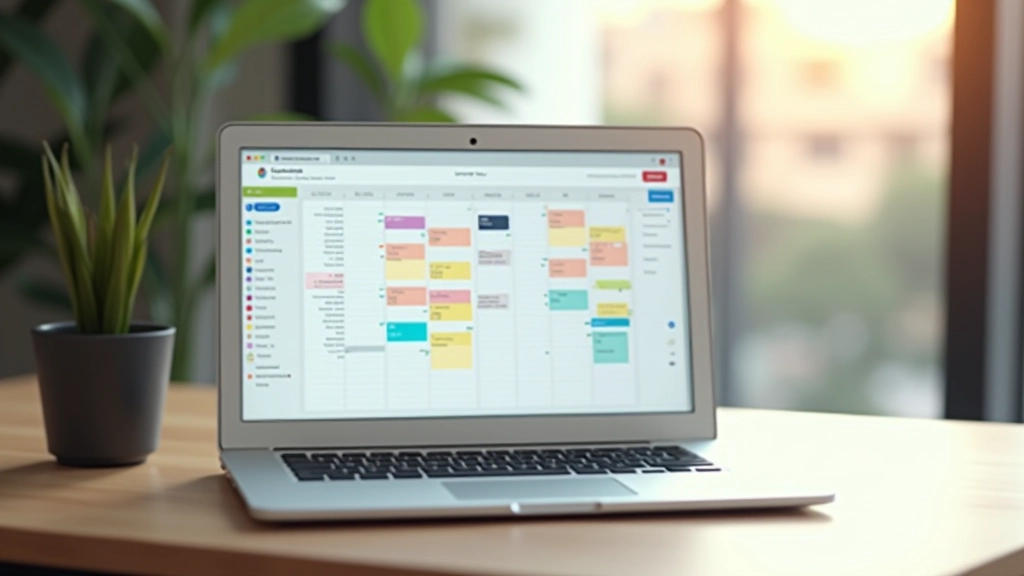
Setting Up Your Digital Calendar System
A step-by-step approach to choosing the right calendar tool and organizing it for maximum efficiency.
Read ArticleWhen you’re managing multiple people’s schedules, synchronization matters. Here’s how to set up systems that don’t create bottlenecks or confusion.


You’ve probably experienced it — someone books a meeting without checking if three other people are already committed. Or worse, the calendar says 2 PM but everyone shows up at 1:30. These aren’t small problems. They’re friction points that drain productivity across your entire organization.
The issue isn’t that calendars exist. It’s that they’re disconnected. Your CEO uses one system. The finance team uses another. The marketing group has their own setup. Nobody’s looking at the same view of what’s actually happening.

Here’s the practical part. You need one calendar system that everyone can access. Not multiple tools fighting for attention. Not a spreadsheet someone updates when they remember. One system.
This sounds obvious, but most organizations have 4-5 calendar tools running simultaneously. Google Calendar for some teams. Outlook for others. Maybe a shared spreadsheet for project timelines. A wall calendar in the conference room that nobody updates. It’s chaos.
The integration process starts here. You’ll pick your primary platform — whether that’s Google Workspace, Microsoft 365, or something like Calendly for coordination. Then you’ll connect everything else to it. Doesn’t matter if you choose Outlook or Google Calendar. What matters is that everyone’s looking at the same data.
Set permissions carefully. Not everyone needs to edit everyone else’s calendar. But they do need visibility. A developer doesn’t need to see the CFO’s one-on-ones. But they should know when company-wide meetings are happening.


Once everyone’s on the same calendar system, you’ll notice something. About 60% of your meetings are recurring. Same time every week. Same people. Same topics.
This is where automation actually saves time. You don’t book these meetings manually every single week. You set them once. They repeat automatically. This alone cuts down on scheduling conflicts because the calendar blocks out time before anyone even thinks about double-booking.
Set up recurring blocks for: team stand-ups (we recommend 15 minutes, not 30), one-on-one check-ins, department syncs, and buffer time between back-to-back meetings. The buffer time is critical. Without it, you’ll have people running from one call straight into another, and nobody’s actually ready.
Pro tip: Build in a 5-minute transition between meetings. Not for the meeting itself. For people to actually use the bathroom, grab water, reset their brain. It sounds small. It’s not.
Here’s where most teams miss the integration piece entirely. Your calendar shows when meetings happen. Your task management system shows what needs to get done. These should talk to each other.
When a deadline is set in your project management tool, it should sync to your calendar. When a meeting is scheduled that relates to a project, it should link both ways. When someone says “we’ll handle this in the Q2 sprint,” the calendar should show those sprint dates as blocked-off time.
Most platforms offer this through APIs or native integrations. Asana connects to Google Calendar. Monday.com integrates with Outlook. Notion can sync deadlines. Pick your tool combination and set it up properly from day one. It’s easier to integrate during setup than to retrofit it later.
The real benefit: Nobody has to wonder if they’re overcommitted. The calendar shows actual time available. The task list shows actual work required. When they conflict, you see it immediately instead of discovering the problem on Friday at 4 PM.

This article provides general guidance on calendar integration and workflow optimization. The specific implementation will depend on your organization’s tools, size, and processes. We recommend consulting with your IT department or a workflow automation specialist before making significant changes to your systems. Results vary based on how thoroughly integration steps are implemented and how well your team adopts the new workflows.
Calendar integration sounds technical. It’s really about removing friction. When everyone’s calendar is connected, when recurring meetings are automated, when tasks link to calendar time — something changes. Meetings start on time because nobody was double-booked. People actually have time to do deep work because their calendars show realistic availability. Managers can see who’s overloaded and shift work accordingly.
You’re not trying to build a perfect system. You’re trying to build one that your team will actually use. Start with one calendar system everyone can access. Add automation for recurring meetings. Connect your task management. Then adjust based on what you learn. Most teams get 70% of the benefit from these three steps alone.
The organizations we’ve worked with that got this right? They cut unnecessary meetings by 25-30%. People say they have fewer calendar conflicts. And honestly, meetings start on time more often. That’s not revolutionary. But it’s real, measurable improvement from treating your calendar system as something worth setting up properly.